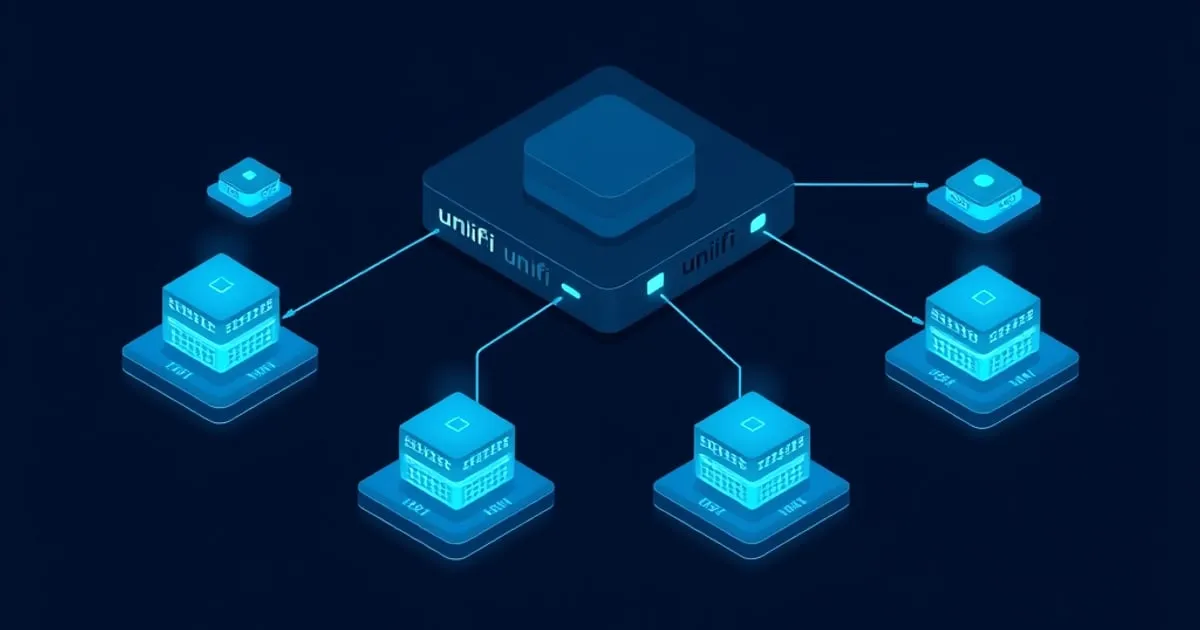
Managing Multiple UniFi Sites and Remote Networks
How UniFi's site model really works, the difference between multi-site on one controller and separate controllers, and how to reach remote networks
The moment you manage UniFi at more than one location — a home plus parents’ house, a few small offices, vacation property, clients — the questions change. It stops being “how do I set up a network” and becomes “how do I manage several, from anywhere, without turning each one into an exposed target.” This guide is the model for multi-site and remote UniFi: how sites work, which architecture fits, and how to get remote access right.
”Site” is a UniFi concept; learn it before scaling
UniFi’s terminology trips people the moment they go multi-location. Inside the UniFi Network Application, a site is a logically separate managed network with its own devices, settings, networks/VLANs, and rules. One controller can host multiple sites. A site is not the same as a controller, and it’s not the same as a physical building by definition — it’s an administrative grouping.
Why this matters before you scale: people conflate “another location” with “another controller” and stand up redundant infrastructure they didn’t need, or they dump unrelated locations into one site and get a tangle. Decide deliberately:
- Multiple sites on one controller — locations managed as separate sites under a single controller you reach centrally.
- Separate controllers per location — each location runs its own (often a console on-site).
These are genuinely different architectures with different failure modes. Pick on purpose.
Architecture 1: one controller, many sites
A single controller (self-hosted, or a hosted instance) hosts a site per location. Devices at each location adopt back to that central controller.
Strengths: one pane of glass; manage every location from one place; consistent admin; no per-site console to maintain.
Trade-offs: the controller is now central and critical — if it’s unreachable, you’ve lost management of every site at once (devices keep passing traffic, per controller hosting options, but you can’t change anything anywhere). Remote-location devices must reach the controller across the internet, which is a Layer 3 adoption scenario every time (devices and controller on different networks), exactly the pattern from adoption troubleshooting. And the central controller must be reachable by those remote devices and by you — safely, which is the recurring theme below.
This fits a fleet you administer centrally and want uniform: several small offices, or one admin running many locations.
Architecture 2: a controller per site
Each location runs its own controller — typically a UniFi OS console on-site (a gateway/Dream Machine family device or a Cloud Key).
Strengths: each site is independent. One site’s controller failing doesn’t blind the others. Local adoption is the simple Layer 2 case. Each console handles its own remote access through Ubiquiti’s official portal, so you didn’t build a central exposed thing. If a site has cameras, an on-site console keeps recording local and resilient.
Trade-offs: no single pane of glass — you switch between each site’s controller. Updates and config changes are per-site rather than once-centrally. More physical devices to own.
This fits independent locations (your house, parents’ house, a cabin) where blast-radius isolation and dead-simple local adoption beat centralization — usually the right call for a small number of unrelated sites.
The remote-access question dominates everything — get it right
Across both architectures the recurring failure is the same one from Protect planning and controller hosting, and at multiple sites it’s multiplied: people port-forward a controller or console to the internet so they can manage it remotely. Don’t. Every exposed location is an internet-facing admin surface, and now you have several.
Do it the safe ways instead:
- UniFi OS consoles provide official remote access through Ubiquiti’s portal. You manage the site remotely without opening inbound ports. For a controller-per-site model this is the clean default and a strong reason to favor on-site consoles for scattered locations.
- VPN into each site (or into a hub site) and manage the controller as if local. This keeps the management plane off the public internet entirely.
- For a central controller, do not expose its admin port. Reach it over a VPN or an authenticated reverse proxy, never a raw port-forward. The convenience of “just forward the port” is exactly how multi-site becomes multi-exposure.
Decide remote access as its own deliberate layer, per site, separate from where the controller runs. Multiplying locations multiplies this mistake if you don’t.
Remote adoption: the predictable snag
A central controller means remote devices adopt across the internet — always Layer 3, never the easy broadcast case. The reasoning from adoption troubleshooting applies, amplified by distance (you can’t just walk over and reseat a cable):
- Remote devices must be told where the controller is (a Layer 3 pointer such as a DHCP option or DNS for that site), since broadcast discovery never crosses the internet.
- A pragmatic pattern: adopt devices locally first (on a bench or local network they can reach the controller from) and pre-stage them before they’re shipped/installed at the remote site, rather than debugging adoption blind over a WAN.
- Expect “managed by other”/stale-credential cases on any reused gear, and clear devices to default before remote adoption — diagnosing that remotely is painful, so pre-empt it.
Multi-site adoption pain is almost always unmanaged Layer 3 expectations plus no physical access. Plan for both before the device is far away.
Choosing your multi-site model
- Internalize that “site” is an admin grouping, not automatically a building or a controller. Decide sites and controllers as separate questions.
- Few unrelated locations, want isolation and simple local adoption → controller per site (on-site consoles), official remote access each.
- A fleet you administer centrally and want uniform → one controller, multiple sites, accepting it’s now a critical central dependency.
- Whatever you choose, never expose a controller/console by port-forward. Official remote access or VPN, decided per site.
- For central control, plan Layer 3 adoption and pre-stage remote devices rather than adopting blind over the internet.
Multi-site UniFi is very workable once you separate three things people merge: site vs controller, centralized vs isolated management, and (above all) hosting vs remote access. Keep those distinct and a fleet of UniFi sites is calm. Blur them and every location becomes its own incident. For the foundations this builds on, see controller hosting options, adoption troubleshooting, and the rest of our UniFi guides.
Related

A Sane UniFi Firmware and Update Strategy
When to update UniFi controller and device firmware and when to wait, why updating everything at once is the risky path, and an order of operations that

Where to Run the UniFi Network Application
UniFi OS Console vs self-hosted controller vs hosted controller — how the UniFi Network Application actually works, what each hosting option costs you

UniFi Guest Network and Captive Portal Done Properly
What a UniFi guest network actually isolates, why the captive portal is presentation not security, and the settings that separate a real guest network