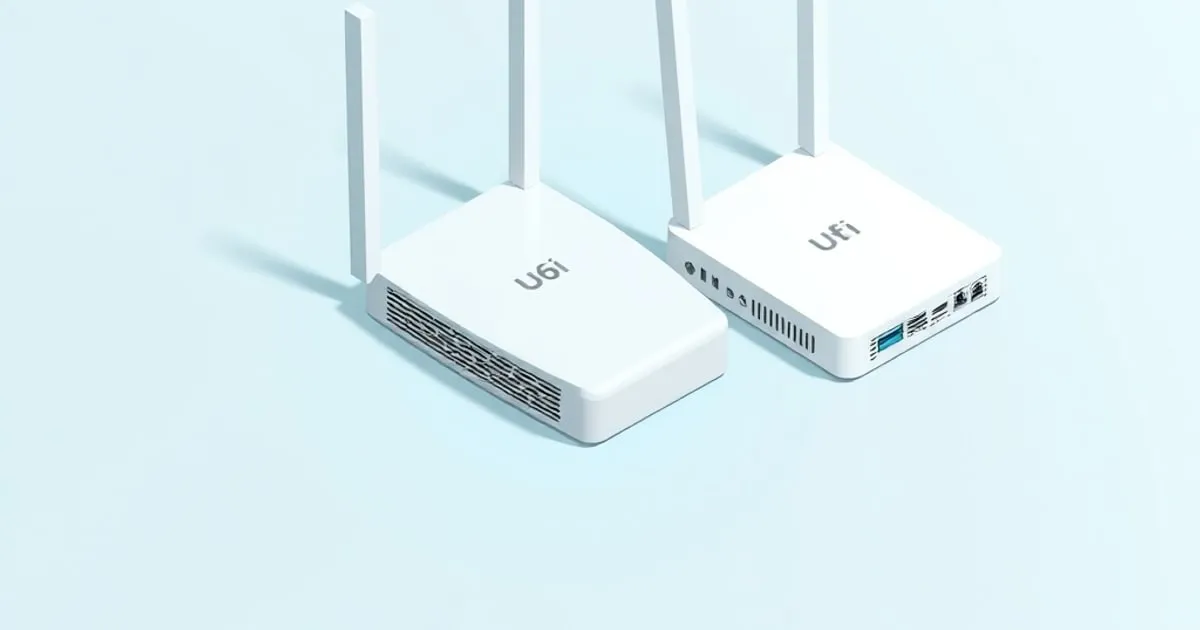
UniFi U6 Lite vs U6 Pro: Which Access Point Should You Buy?
A spec-by-spec comparison of the UniFi U6 Lite and U6 Pro Wi-Fi 6 access points — covering MIMO, throughput, antenna gain, PoE requirements, and exactly
The unifi u6 lite vs u6 pro question comes up constantly, and for good reason: both are indoor Wi-Fi 6 APs in the same UniFi ecosystem, both require PoE, and at first glance the $60 price difference seems like the only variable. It isn’t. The two radios are built on different chipsets, run different spatial stream counts, and top out at different channel widths — and those gaps compound fast once you move past one or two clients.
Here is the full breakdown.
Spec Comparison
| U6 Lite | U6 Pro | |
|---|---|---|
| Price (MSRP) | $99 | $159 |
| Wi-Fi standard | Wi-Fi 6 (802.11ax) | Wi-Fi 6 (802.11ax) |
| Chipset (per teardown) | MediaTek | Qualcomm |
| 5 GHz MIMO | 2x2 DL/UL MU-MIMO | 4x4 DL/UL MU-MIMO |
| 2.4 GHz MIMO | 2x2 SU-MIMO | 2x2 UL MU-MIMO |
| 5 GHz max rate | 1.2 Gbps (BW80) | 4.8 Gbps (BW160) |
| 2.4 GHz max rate | 300 Mbps (BW40) | 573.5 Mbps (BW40) |
| Max channel width (5 GHz) | 80 MHz | 160 MHz |
| 5 GHz antenna gain | 3 dBi | 6 dBi |
| 2.4 GHz antenna gain | 2.8 dBi | 4 dBi |
| Coverage (rated) | 115 m² / 1,250 ft² | 140 m² / 1,500 ft² |
| Max concurrent clients | 300+ | 300+ |
| Max power draw | 12W | 13W |
| PoE input | 802.3af/at (44–57V DC) | 802.3af/at (44–57V DC) |
| Form factor | ⌀160 × 33 mm, 300 g | ⌀197 × 35 mm, 580 g |
Sources: U6 Lite official specs ↗, U6 Pro official specs ↗.
Radio Hardware: Where the Real Difference Lives
The spec sheet number that matters most is spatial streams: 2x2 on the U6 Lite versus 4x4 on the U6 Pro at 5 GHz. This is not a minor bump. More spatial streams mean the radio can serve more data to more clients simultaneously via MU-MIMO, and each stream adds antenna gain that directly translates to range and signal robustness.
The chipset is a secondary factor, but it matters for BSS coloring efficiency and airtime fairness under load. The U6 Lite runs a MediaTek chipset while the U6 Pro switches to a Qualcomm chipset, which McCann Tech notes generally outperforms an equivalent MediaTek solution (McCann Tech ↗). At low client counts (under ~15 devices), you won’t feel the chipset difference. At 30–50 clients hammering 5 GHz simultaneously, the Qualcomm chip’s scheduling headroom shows up in lower per-client latency.
The 2.4 GHz gap is narrower but still present: the U6 Lite runs SU-MIMO (serves one client at a time on 2.4 GHz) while the U6 Pro runs UL MU-MIMO. For IoT-dense networks where you have 40+ 2.4 GHz clients — smart bulbs, sensors, thermostats — the U6 Pro’s 2.4 GHz radio handles concurrent uplink traffic more efficiently.
Coverage, Antenna Gain, and the 160 MHz Question
The 3 dBi versus 6 dBi antenna gain difference at 5 GHz is more operationally significant than the rated coverage area suggests. Higher antenna gain means stronger signal at distance, which means Wi-Fi 6’s best features — OFDMA, TWT, 1024-QAM — are available further from the AP before the client falls back to lower MCS rates. McCann Tech’s review found that range is where the U6 Pro shows its biggest advantage over the U6 Lite, with the higher-gain antennas and higher transmit power reaching further, and the higher-gain radio can mean the difference between needing one AP versus two for a given floor plan (McCann Tech ↗).
On 160 MHz channels: the U6 Pro supports them, the U6 Lite tops out at 80 MHz. This matters on paper — 160 MHz doubles the theoretical throughput on 5 GHz — but in practice most environments cannot run 160 MHz cleanly. You need a contiguous 160 MHz block in the 5 GHz band, which is increasingly hard to find in buildings where neighboring APs are already claiming spectrum. If your deployment has more than two or three APs, you will likely run 80 MHz on the Pro anyway to avoid self-interference. The 160 MHz support is real ceiling capacity for Wi-Fi 6 clients in uncongested environments, not a day-one win for every site.
PoE and Deployment Considerations
Both APs run on 802.3af/at PoE at 44–57V DC. The U6 Lite draws 12W maximum; the U6 Pro draws 13W. Both will pull correctly from a USW-Lite-8-PoE (64W total budget) or any 802.3at-capable port. If you are running a UniFi switch with a 46W PoE budget across eight ports, the 1W difference between these two APs is immaterial — plan your switch budget around the total AP count, not the per-AP wattage delta.
Neither AP ships with a PoE injector. If you are not running a UniFi switch, budget for a U-POE-AT ($19) or any 802.3at injector. The U6 Lite does not require 802.3at; standard 802.3af (15.4W) is sufficient at 12W draw. The U6 Pro similarly runs fine on 802.3af despite its higher nominal draw.
Both APs require UniFi Network software for full configuration — standalone mode is available but cuts off VLAN tagging, traffic shaping, and per-SSID firewall policies. If you are segmenting IoT devices onto a separate VLAN with deny-by-default inter-VLAN rules (which you should be doing), you need the controller running. See TechSentinel ↗ for coverage of why network segmentation is the single most effective home network security control.
When to Buy the U6 Lite
- Apartment or single floor under 1,200 ft² with a straightforward floor plan
- Budget under $100 per AP; multi-AP deployments where you want three or four APs for redundancy over one high-powered unit
- Mostly 5 GHz clients, low concurrency (under ~20 active sessions)
- Replacing an older AC-Lite or UAP-AC-M — the U6 Lite is a clean upgrade for the same PoE budget and mount footprint
- Dense AP layouts where 80 MHz channels per AP already limit interference; adding 160 MHz capable APs in close proximity would hurt more than help
When to Buy the U6 Pro
- Single AP covering 1,200–1,500 ft² with obstructions (walls, HVAC, multiple rooms off a central hallway)
- Home office or small business with sustained high-throughput demands: video calls on multiple clients, NAS transfers over Wi-Fi, dense gaming sessions
- 4x4 Wi-Fi 6 clients in the environment — MacBook Pro (M-series), recent Samsung and Pixel flagship phones — that can actually use the additional spatial streams
- IoT-heavy networks (40+ 2.4 GHz devices) where UL MU-MIMO on the 2.4 GHz radio reduces airtime contention
- Minimizing AP count: if the U6 Pro covers the space with one AP, the $159 cost beats running two U6 Lites at $198 combined — and you avoid the client roaming overhead
The Verdict
The U6 Lite is the right call in dense multi-AP deployments and in spaces under 1,200 ft² where the lower antenna gain is not a limiting factor. The U6 Pro is the better value for single-AP coverage of larger spaces and for clients that can exploit 4x4 MIMO and 160 MHz channel width. At $60 more, the Pro pays for itself if it eliminates the need for a second AP.
Neither AP is the wrong choice when placed correctly. The mistake is buying the Lite hoping it performs like the Pro at distance, or buying the Pro for a studio apartment where its 4x4 radio never has room to run.
Sources
-
UniFi U6 Lite — Official Tech Specs ↗ — Ubiquiti’s authoritative spec sheet for the U6 Lite: radio configuration, PoE requirements, antenna gain, and coverage ratings.
-
UniFi U6 Pro — Official Tech Specs ↗ — Ubiquiti’s official U6 Pro datasheet covering 4x4 MIMO, 160 MHz channel support, and power consumption.
-
U6-Pro and U6-Mesh Review and Speed Comparisons — McCann Tech ↗ — Independent real-world throughput testing comparing the U6 Pro and U6 Lite across distance, including chipset analysis and purchase recommendations.
Sources
Related

Best UniFi Access Point for Home: U6 Lite, U6 Pro, and U7 Pro Compared (2026)
Picking the best UniFi access point for home use comes down to three variables: square footage, client density, and whether you're on 1GbE or 2.

How to Set Up UniFi Dream Machine: A Practical Configuration Guide
A step-by-step guide to how to set up UniFi Dream Machine hardware, run the setup wizard, configure VLANs, and write firewall rules that actually isolate

Choosing a UniFi Access Point: Wi-Fi 6 vs 6E vs 7
How to pick between UniFi Wi-Fi 6, 6E, and 7 access points without overspending — what each band actually buys you, what your clients can use, and where