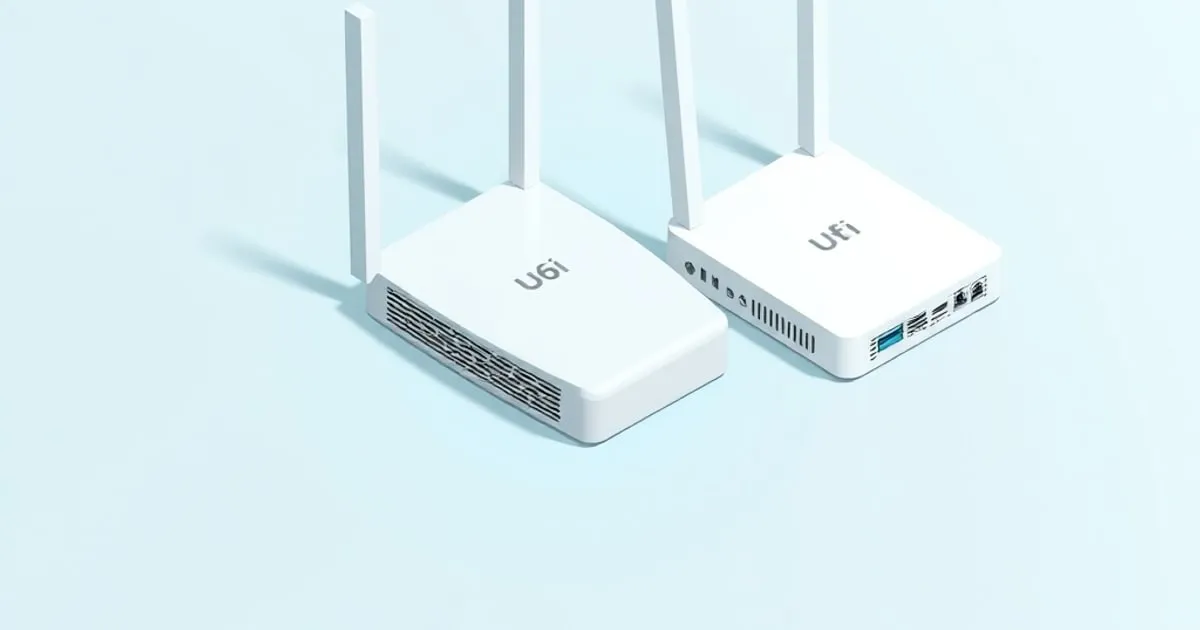
UniFi U6 Lite vs U6 Pro: 2x2 vs 4x4 for $60 More
UniFi U6 Lite vs U6 Pro on spec: 2x2 versus 4x4 MIMO, 80 versus 160 MHz channels, antenna gain, PoE draw, and whether the $60 gap is worth paying.
The unifi u6 lite vs u6 pro question comes up constantly, and for good reason: both are indoor Wi-Fi 6 APs in the same UniFi ecosystem, both require PoE, and at first glance the $60 price difference seems like the only variable. It isn’t. The two radios run different spatial stream counts and top out at different channel widths — and those gaps compound fast once you move past one or two clients.
Here is the full breakdown.
Spec Comparison
| U6 Lite | U6 Pro | |
|---|---|---|
| Price (MSRP) | $99 | $159 |
| Wi-Fi standard | Wi-Fi 6 (802.11ax) | Wi-Fi 6 (802.11ax) |
| 5 GHz MIMO | 2x2 DL/UL MU-MIMO | 4x4 DL/UL MU-MIMO |
| 2.4 GHz MIMO | 2x2 SU-MIMO | 2x2 UL MU-MIMO |
| 5 GHz max rate | 1.2 Gbps (BW80) | 4.8 Gbps (BW160) |
| 2.4 GHz max rate | 300 Mbps (BW40) | 573.5 Mbps (BW40) |
| Max channel width (5 GHz) | 80 MHz | 160 MHz |
| 5 GHz antenna gain | 3 dBi | 6 dBi |
| 2.4 GHz antenna gain | 2.8 dBi | 4 dBi |
| Coverage (rated) | 115 m² / 1,250 ft² | 140 m² / 1,500 ft² |
| Max concurrent clients | 300+ | 300+ |
| Max power draw | 12W | 13W |
| PoE input | 802.3af/at (44–57V DC) | 802.3af/at (44–57V DC) |
| Form factor | ⌀160 × 33 mm, 300 g | ⌀197 × 35 mm, 580 g |
Sources: U6 Lite official specs, U6 Pro official specs.
Radio Hardware: Where the Real Difference Lives
The spec sheet number that matters most is spatial streams: 2x2 on the U6 Lite versus 4x4 on the U6 Pro at 5 GHz. This is not a minor bump. More spatial streams mean the radio can serve more data to more clients simultaneously via MU-MIMO, and each stream adds antenna gain that directly translates to range and signal robustness.
The 2.4 GHz gap is narrower but still present: the U6 Lite runs SU-MIMO (serves one client at a time on 2.4 GHz) while the U6 Pro runs UL MU-MIMO. For IoT-dense networks where you have 40+ 2.4 GHz clients — smart bulbs, sensors, thermostats — the U6 Pro’s 2.4 GHz radio handles concurrent uplink traffic more efficiently.
Coverage, Antenna Gain, and the 160 MHz Question
The official specifications list 3 dBi of 5 GHz antenna gain for the U6 Lite and 6 dBi for the U6 Pro. Coverage ratings and antenna gain alone do not establish how many APs a particular floor plan needs.
On 160 MHz channels: the U6 Pro supports them, the U6 Lite tops out at 80 MHz. This matters on paper — 160 MHz doubles the theoretical throughput on 5 GHz — but in practice most environments cannot run 160 MHz cleanly. You need a contiguous 160 MHz block in the 5 GHz band, which is increasingly hard to find in buildings where neighboring APs are already claiming spectrum. If your deployment has more than two or three APs, you will likely run 80 MHz on the Pro anyway to avoid self-interference — the reasoning behind narrower deliberate channels in dense areas is worked through in access point placement and channel planning. The 160 MHz support is real ceiling capacity for Wi-Fi 6 clients in uncongested environments, not a day-one win for every site.
PoE and Deployment Considerations
Both APs run on 802.3af/at PoE at 44–57V DC. The U6 Lite draws 12W maximum; the U6 Pro draws 13W. Both will pull correctly from a USW-Lite-8-PoE (52W total PoE budget) or any 802.3at-capable port. If you are running a UniFi switch with a 46W PoE budget across eight ports, the 1W difference between these two APs is immaterial — plan your switch budget around the total AP count, not the per-AP wattage delta, using the sizing method in AP and switch PoE planning.
Neither AP ships with a PoE injector. If you are not running a UniFi switch, budget for a U-POE-AT ($19) or any 802.3at injector. The U6 Lite does not require 802.3at; standard 802.3af (15.4W) is sufficient at 12W draw. The U6 Pro similarly runs fine on 802.3af despite its higher nominal draw.
Both APs require UniFi Network software for full configuration — standalone mode is available but cuts off VLAN tagging, traffic shaping, and per-SSID firewall policies. If you are segmenting IoT devices onto a separate VLAN with deny-by-default inter-VLAN rules (which you should be doing), you need the controller running; where to run the UniFi Network Application covers the console, self-hosted, and hosted options, and VLAN segmentation for IoT, guest, and trusted devices covers the rules themselves. The controller is also where the per-WLAN radio behaviour lives — band steering, minimum RSSI, fast roaming, DTIM — and those settings decide how much of either AP’s radio advantage actually reaches clients; each one is explained in UniFi advanced wireless settings.
When to Buy the U6 Lite
- Apartment or single floor under 1,200 ft² with a straightforward floor plan
- Budget under $100 per AP; multi-AP deployments where you want three or four APs for redundancy over one high-powered unit
- Mostly 5 GHz clients, low concurrency (under ~20 active sessions)
- Replacing an older AC-Lite or UAP-AC-M — the U6 Lite is a clean upgrade for the same PoE budget and mount footprint
- Dense AP layouts where 80 MHz channels per AP already limit interference; adding 160 MHz capable APs in close proximity would hurt more than help
When to Buy the U6 Pro
- Single AP covering 1,200–1,500 ft² with obstructions (walls, HVAC, multiple rooms off a central hallway)
- Home office or small business with sustained high-throughput demands: video calls on multiple clients, NAS transfers over Wi-Fi, dense gaming sessions
- Clients whose documented capabilities can use the Pro’s wider channels or additional spatial streams; verify the exact adapter rather than assuming every recent phone supports 4x4
- IoT-heavy networks (40+ 2.4 GHz devices) where UL MU-MIMO on the 2.4 GHz radio reduces airtime contention
- Minimizing AP count: if the U6 Pro covers the space with one AP, the $159 cost beats running two U6 Lites at $198 combined — and you avoid the client roaming overhead
The Verdict
The U6 Lite is the right call in dense multi-AP deployments and in spaces under 1,200 ft² where the lower antenna gain is not a limiting factor. The U6 Pro is the better value for single-AP coverage of larger spaces and for clients that can exploit 4x4 MIMO and 160 MHz channel width. At $60 more, the Pro pays for itself if it eliminates the need for a second AP.
Neither AP is the wrong choice when placed correctly. The mistake is buying the Lite hoping it performs like the Pro at distance, or buying the Pro for a studio apartment where its 4x4 radio never has room to run.
Before you order
Three things are worth settling first. Work out how many APs the space actually needs, because that answer usually decides the model — the UniFi network planner does the coverage and PoE arithmetic from a floor plan. If the current network is slow rather than short on coverage, a new AP may fix nothing, and the ordered slow Wi-Fi troubleshooting method will find out cheaply. And if 6 GHz is on your mind, note that neither of these APs has it: Wi-Fi 6E access points and the UniFi 6 GHz lineup lists the models that do, and what the band is realistically worth. For the wider generational picture, see Wi-Fi 6 vs 6E vs Wi-Fi 7 for UniFi access points.
Sources
Related

Best UniFi Access Point for Home: 2026 Model Guide
Compare six current UniFi access points by coverage, client density, Wi-Fi generation, uplink speed and PoE needs to choose the right model for your home.

UniFi U7 Pro vs U6 Pro: Which AP Should You Buy? (2026)
The U7 Pro adds WiFi 7, a 6 GHz radio, and a 2.5 GbE uplink for $30 more, but drops the U6 Pro's 4x4 5 GHz radio. Here is which one to buy, and why.

UniFi vs Omada for Home Network: Which Ecosystem Fits?
Compare UniFi vs Omada for a home network with tables of controller options, licence models, AP prices, switch PoE budgets, and total build costs.